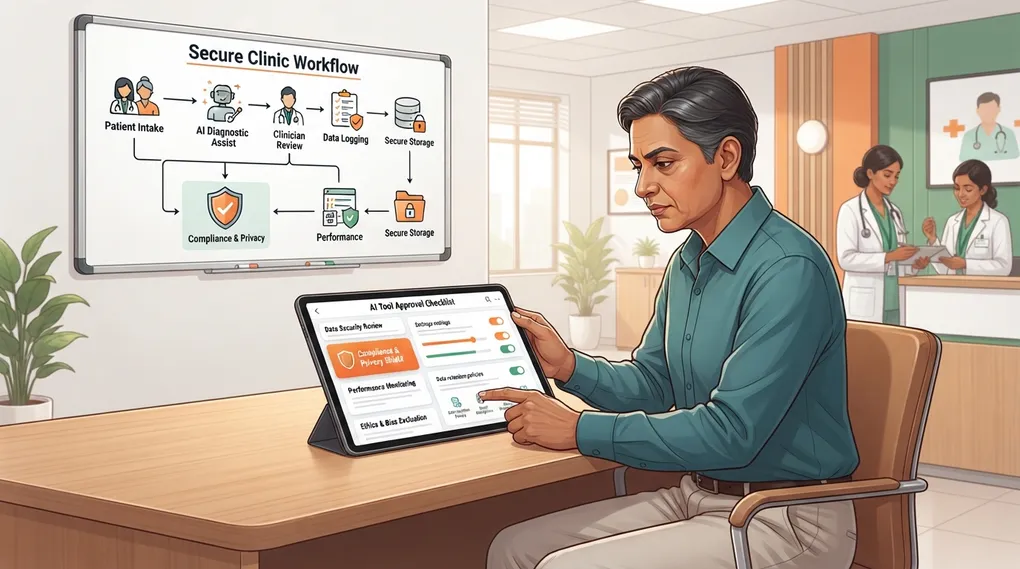
AI Tool Approval Checklist for Clinics
A practical checklist for deciding which AI tools staff may use in a clinic, with privacy, data retention, audit, and workflow questions.
Not every AI tool belongs in a clinic. Some are useful for generic education drafts. Some are risky because they store prompts, train on inputs, lack admin controls, or make it too easy for staff to paste identifiable patient data.
This chapter gives you a practical approval process before any AI tool becomes part of clinic workflow.
What Problem This Solves
Without tool approval, every staff member makes their own decision. One person may use an enterprise account with privacy controls. Another may paste patient information into a free chatbot from a personal phone.
A clinic tool approval checklist creates:
- consistent rules
- safer patient data handling
- clear accountability
- easier staff training
- proof that the clinic considered privacy and oversight
The Approval Rule
Approve an AI tool only for a specific purpose.
Do not say:
“Our clinic uses Tool X.”
Say:
“Tool X is approved for drafting de-identified patient education material and administrative templates. It is not approved for diagnosis, treatment decisions, patient photos, prescription images, or identifiable patient data.”
AI Tool Approval Checklist
Use this before adding any tool to your clinic workflow.
| Area | Question | Decision |
|---|---|---|
| Purpose | What exact clinic task will this tool support? | Approve only named tasks |
| Data input | Will staff enter patient information? | Prefer no identifiers |
| Retention | Does the tool store prompts or uploaded files? | Check settings and terms |
| Training use | Can user input be used to train models? | Disable if possible |
| Admin control | Can clinic owner manage users and access? | Prefer admin controls |
| Auditability | Can you review usage or exported history? | Needed for staff workflows |
| File uploads | Are images, PDFs, or prescriptions allowed? | Usually restrict |
| Human review | Who verifies output before use? | Name responsible role |
| De-identification | Is a checklist built into the workflow? | Required |
| Exit plan | Can you delete data and stop using the tool? | Required |
Risk Categories for Tools
Low-Risk Tool Use
Examples:
- drafting generic posters
- improving clinic website copy
- creating staff SOP templates
- formatting non-patient-specific checklists
Controls:
- no patient data
- doctor or manager review before publication
Medium-Risk Tool Use
Examples:
- de-identified patient education material
- de-identified SOAP note formatting
- discharge instruction drafts without identifiers
- complaint or feedback analysis after anonymization
Controls:
- de-identification required
- doctor review required
- no photos or documents with identifiers
High-Risk Tool Use
Examples:
- diagnosis or treatment suggestions
- drug dosing decisions
- triage advice
- identifiable patient messages
- wound or rash photos
- uploaded prescriptions or lab PDFs with names
Controls:
- not approved for routine AI use
- use only approved clinical systems with formal safeguards, if available
- doctor remains responsible
Clinic Approval Template
AI TOOL APPROVAL SHEET

Tool name:
Website/app:
Plan type: Free / paid / enterprise / unknown
Approved date:
Review date:
Approved by:

Approved uses:
- [Task 1]
- [Task 2]

Prohibited uses:
- Identifiable patient data
- Diagnosis or treatment decisions
- Drug dosing or contraindication decisions
- Patient photos or scanned documents
- Emergency triage

Data controls checked:
[ ] Input retention setting reviewed
[ ] Training-on-inputs setting reviewed
[ ] File upload policy reviewed
[ ] Admin/user access reviewed
[ ] Data deletion/export process reviewed

Required workflow:
1. De-identify input.
2. Generate draft.
3. Run relevant QC prompt.
4. Doctor or designated reviewer checks output.
5. Save final approved version, not raw patient data.

Notes:
[ADD CLINIC-SPECIFIC NOTES]
Prompt: Compare Tools for a Clinic Use Case
Use this with public, non-patient information only.
Act as a clinic operations consultant.

I am evaluating an AI tool for this use case:
[DESCRIBE USE CASE - e.g., "drafting de-identified patient education leaflets"]

Create a tool approval checklist specific to this use case.

Include:
- data that staff must never enter
- minimum privacy controls to verify
- human review requirements
- allowed and prohibited tasks
- monthly audit questions

Do not assume the tool is compliant. List questions I must verify from
the tool's official documentation or contract.
Practice Check
Before marking this complete:
- choose one AI tool your clinic uses or may use
- fill the approval sheet
- list approved and prohibited tasks
- decide who reviews outputs
- set a review date
If you cannot answer the retention, training, or deletion questions, mark the tool as “not approved for patient-related use” until clarified.